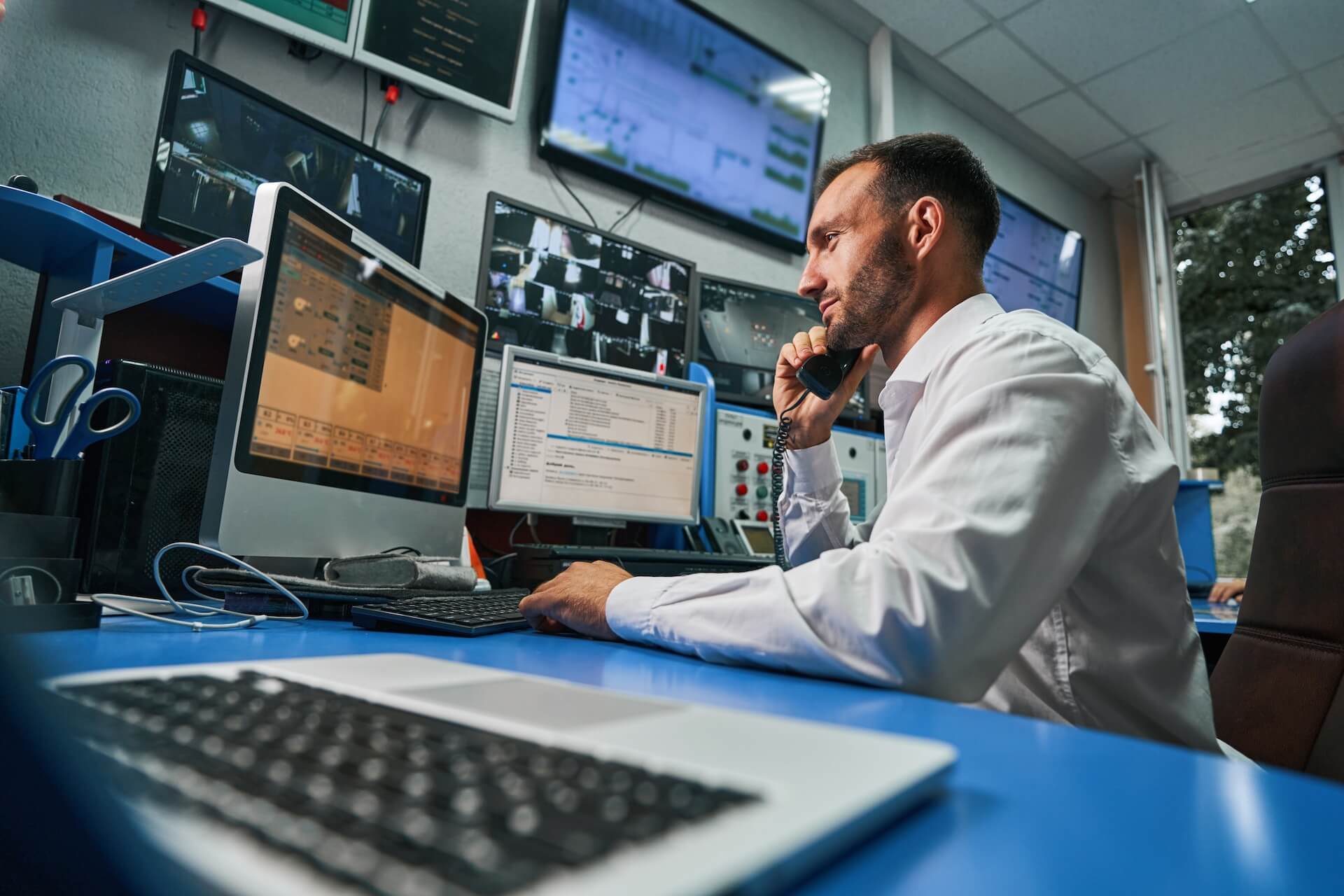

"24/7 monitoring" is one of those phrases that shows up on every managed IT provider's website. It sounds reassuring — someone is watching your systems around the clock. But what does it actually mean in practice? Is there a person staring at a screen at 3 a.m. waiting for something to go wrong? And more importantly, what difference does it make for your business?
The reality is both simpler and more sophisticated than most people assume. Understanding what's actually happening behind that phrase can help you evaluate whether your business is truly protected — or just being told it is.
What Monitoring Actually Looks Like
At its core, 24/7 monitoring means your systems are being continuously observed by a combination of automated tools and human oversight. These tools are installed across your network — on servers, workstations, firewalls, switches, and other infrastructure — and they're collecting data in real time about how everything is performing.
That data includes things like CPU usage, memory consumption, disk space, network traffic, application performance, backup status, and security events. The monitoring platform is constantly comparing what it sees against established baselines and thresholds. When something falls outside of normal parameters — a hard drive filling up, a service crashing, a login attempt from an unusual location — it generates an alert.
This is where the "24/7" part matters. These alerts don't wait for business hours. They fire immediately, regardless of when the issue occurs, and they're routed to the team responsible for responding. The goal is to catch problems in their earliest stages — when they're small, manageable, and far less expensive to resolve.
The Difference Between Monitoring and Watching
There's an important distinction between monitoring and simply having tools installed. A lot of businesses — and even some IT providers — have monitoring software running but nobody actively responding to what it reports. The dashboards exist, the alerts fire, but they pile up in a queue that gets reviewed when someone has time.
That's not monitoring. That's data collection.
True 24/7 monitoring includes a response layer. When an alert fires at 2 a.m., someone evaluates it, determines whether it requires immediate action, and either resolves it or escalates it before it becomes a larger problem. The value isn't in the alert itself — it's in what happens next.
This is one of the most important questions to ask any IT provider who claims to offer 24/7 monitoring: what happens when an alert fires outside of business hours? If the answer involves waiting until morning, you're not getting around-the-clock protection — you're getting around-the-clock data logging.
What Gets Monitored
The scope of monitoring varies by provider and by the complexity of your environment, but for most businesses, it covers several critical areas.
Hardware Health Servers, workstations, and network equipment all have components that degrade over time. Monitoring tools can detect early warning signs — a hard drive with increasing error rates, a server running hotter than usual, a UPS battery losing capacity — and flag them before they result in a failure. Replacing a failing hard drive during a scheduled maintenance window is a minor inconvenience. Recovering from an unplanned drive failure without a current backup is a crisis.
Software and Patch Status Outdated software is one of the most common entry points for cyberattacks. Monitoring ensures that operating systems, applications, and security tools are current and properly patched. When a critical update is released, the system flags any devices that haven't received it — so nothing slips through the cracks.
Backup Verification Backups are only useful if they actually work. Monitoring tools verify that backups are completing successfully, on schedule, and within expected parameters. A backup that silently fails for three weeks is worse than no backup at all — because it creates a false sense of security. Regular verification ensures your safety net is actually there when you need it.
Network Performance Slowdowns, bottlenecks, and connectivity issues can be difficult to diagnose after the fact. Continuous network monitoring provides visibility into traffic patterns, bandwidth usage, and device performance — making it possible to identify and resolve issues before they affect end users.
Security Events This is where monitoring and cybersecurity overlap. Security-focused monitoring watches for unusual activity — failed login attempts, unauthorized access, suspicious file changes, lateral movement within the network — and generates alerts that require immediate evaluation. In many cases, the difference between a contained security event and a full-blown breach comes down to how quickly the alert was seen and acted on.
Why It Matters for Your Business
The business case for 24/7 monitoring comes down to one thing: problems that are caught early are cheaper, faster, and less disruptive to resolve than problems that aren't caught until they cause visible damage.
Reduced Downtime Most outages don't happen without warning. There are almost always precursors — performance degradation, resource exhaustion, failing components — that are visible to monitoring tools well before they cause a full outage. Catching those signals early means resolving issues during planned maintenance windows instead of scrambling during a crisis.
Lower Repair Costs A problem addressed proactively is almost always less expensive than one addressed reactively. Replacing a failing component costs a fraction of recovering from an unplanned failure. Patching a vulnerability costs nothing compared to remediating a breach. The math consistently favors prevention.
Better Security Posture Cyberattacks rarely happen instantaneously. Most involve a period of reconnaissance, initial access, and lateral movement before the actual damage occurs. Monitoring that detects these early indicators gives your team — or your IT provider — a window to respond before data is compromised or systems are locked down.
Peace of Mind This one is harder to quantify but no less real. Knowing that your systems are being watched — that someone will catch the 2 a.m. alert, that your backups are verified, that a failing drive won't surprise you on Monday morning — changes the way you think about your technology. It moves IT from a source of anxiety to a source of confidence.
What to Look For
If you're evaluating whether your current IT setup includes meaningful monitoring — or if you're considering a provider that offers it — a few questions are worth asking.
What specifically is being monitored, and what isn't? How are alerts prioritized and who responds to them? What's the average response time for a critical alert outside of business hours? How are recurring issues tracked and addressed at the root cause level? Can you see reports or dashboards that show what's being monitored and what's been resolved?
The answers to these questions will tell you whether you're getting true 24/7 monitoring or just a line item on a proposal.
Beyond the Buzzword
24/7 monitoring shouldn't be a marketing phrase — it should be a foundational part of how your technology is managed. When it's done right, it's the difference between running your business on a system you trust and running it on a system you're hoping will hold together.
The best IT problems are the ones your team never hears about — because someone caught them before they reached your desk.
Want to know whether your systems are truly being monitored — or just logged?
The Envoy team can help you evaluate your current monitoring setup, identify gaps, and build a proactive approach that keeps your business running without the guesswork.