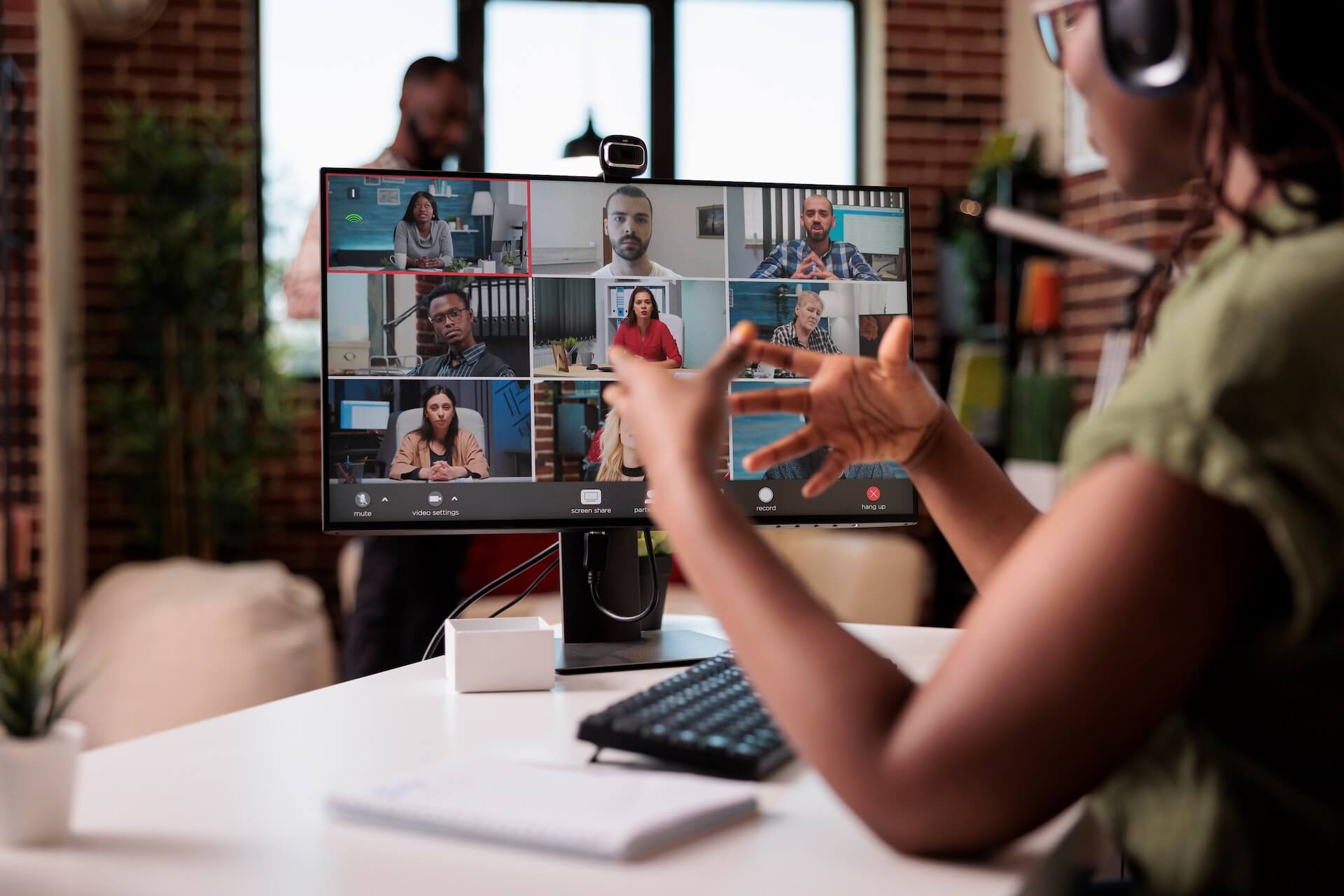

The shift to hybrid work happened fast. For many businesses, the initial priority was simply getting people functional at home — laptops distributed, VPNs configured, video calls figured out. And for the most part, it worked. People adapted, businesses kept running, and remote work went from a temporary measure to a permanent fixture.
But now that hybrid work has settled into the norm, the IT challenges that were easy to overlook in the early days are becoming harder to ignore. The infrastructure that was built for everyone-in-the-office doesn't automatically translate to a workforce that splits time between home, the office, and everywhere in between.
The Security Gap You Might Not See
This is the one that keeps IT professionals up at night. When employees work from the office, they're operating within a managed network — firewalls, monitoring tools, access controls, and security policies are all in place. When they work from home, most of that protection disappears.
Home networks are shared with family members, smart devices, and whatever default security settings came with the router. Employees may connect to public Wi-Fi at coffee shops or airports without thinking twice. And every one of those connections represents a potential entry point into your business systems.
The numbers reflect the risk. A significant percentage of cyberattacks now target remote and hybrid workers specifically, and many businesses have experienced security incidents tied directly to home network vulnerabilities. Attackers know that remote workers often operate with fewer protections, and they've adjusted their tactics accordingly.
This doesn't mean hybrid work is inherently unsafe. It means the security model needs to extend beyond the office walls — and for many businesses, that extension hasn't fully happened yet.
The Equipment Problem
Here's a scenario that plays out more often than most business owners realize. An employee's laptop starts acting up at home. They call in for support, but diagnosing a hardware issue remotely is slow and limited. A fix that would take thirty minutes in person turns into a days-long process of troubleshooting, shipping, or waiting for the employee to bring the device into the office.
Now multiply that across a team where everyone has slightly different hardware. Different laptop models, different ages, different configurations. Some employees are using personal devices for work. Others have company equipment that hasn't been updated in years. The lack of standardization creates a support burden that grows quietly until it becomes a significant drag on productivity.
Hardware standardization isn't glamorous, but it's one of the most practical things a business can do to support a hybrid workforce. When everyone is working on the same platform with the same configuration, troubleshooting is faster, support is simpler, and security policies can be applied consistently.
Remote Support That Actually Works
The traditional IT support model — someone walks over to your desk, looks at your screen, and fixes the problem — doesn't work when half your team is somewhere else. Hybrid work requires remote support capabilities that go beyond "Can you try restarting it?"
Effective remote support means having the tools and processes in place to diagnose, troubleshoot, and resolve issues without requiring physical access to the device. Remote monitoring and management platforms, secure remote access tools, and clear escalation procedures all play a role.
But it's not just about tools. It's about responsiveness. When an employee working from home hits a technical roadblock, they can't lean over to a colleague or flag someone in the hallway. If support isn't accessible and responsive, that employee sits idle — or worse, tries to work around the problem in ways that create new risks.
Collaboration and Communication
Most businesses have adopted some combination of video conferencing, chat platforms, and cloud-based document tools. But adoption and optimization are different things. Teams that are split between in-office and remote often struggle with uneven experiences — the people in the conference room can hear each other fine, but the remote participants are straining to follow along through a laptop speaker across the table.
These seem like small inconveniences, but they compound over time. Remote employees who consistently feel like second-class participants in meetings disengage. Information that gets shared informally in the office doesn't make it to the people working from home. Collaboration tools that were adopted quickly during the pandemic may not be configured or integrated in ways that support how the team actually works today.
A thoughtful approach to collaboration infrastructure — the right tools, properly configured, with clear norms for how they're used — makes a measurable difference in how connected and productive a hybrid team feels.
Policy and Consistency
One of the less obvious challenges of hybrid work is maintaining consistent IT policies across environments. Acceptable use policies, data handling procedures, and security requirements need to apply regardless of where someone is working. But enforcing those policies is harder when you can't see or manage the environment.
This is where a combination of technology and communication matters. Mobile device management tools, endpoint protection, and cloud-based policy enforcement help maintain consistency on the technical side. Clear, simple guidelines — communicated regularly, not just buried in an employee handbook — help on the human side.
The goal isn't to micromanage how people work from home. It's to ensure that the same standards that protect your business in the office extend to every location where work happens.
Making Hybrid Work Sustainable
Hybrid work isn't going away. For most businesses, it's become a competitive advantage for hiring and retention — and employees have come to expect flexibility. The question isn't whether to support it, but whether your IT infrastructure is set up to support it well.
That means thinking beyond the basics of "can they log in from home" and addressing the deeper questions: Are they secure? Are they supported? Do they have the tools and equipment to be as productive remotely as they are in the office? And is your IT team — whether internal or outsourced — equipped to manage an environment that extends well beyond your office walls?
Wondering whether your IT setup is truly built for hybrid work?
The Envoy team can help you assess your current remote support capabilities, tighten security across locations, and build an infrastructure that supports your team — wherever they're working.